
Create Engaging Family Travel Videos Without the Editing Headache
Anyone who has run a Yorkshire travel blog for more than a couple of years will have noticed the same thing. Posts that once did perfectly well on photos and a decent write-up now need a clip attached to travel anywhere. Meanwhile the actual trip involves two children, a car boot full of waterproofs and roughly four minutes of usable footage shot one-handed at Malham Cove.
The gap between what platforms reward and what a normal family weekend produces has widened considerably, and most creators are quietly losing that battle on the editing timeline rather than on the day out itself.
Why Travel Content Went Video-First
The shift wasn’t driven by audiences suddenly disliking photography. It came from discovery mechanics. Short video is what gets surfaced to people who have never heard of your blog, which makes it the top of the funnel whether you enjoy making it or not.
For established travel writers this created an awkward mismatch. The skill that built the audience — knowing which corner of Nidderdale is worth the drive, or which café in Whitby actually opens out of season — has nothing to do with editing software. Yet the format that distributes that knowledge now demands a second, unrelated skill set.
The result is a familiar pattern. Photos from a half-term trip to Scarborough sit in a folder for three weeks. The moment passes, the content never gets made, and the blog quietly stops growing while the writing itself remains as good as ever.
The Bottleneck Sits After the Trip, Not During It
It’s worth being precise about where the time actually goes, because most people misdiagnose it.
Filming is not the problem. A phone captures perfectly acceptable footage, and nobody watching a family travel reel expects a gimbal. The problem is the assembly afterwards: trimming, sequencing, finding music that isn’t going to trigger a copyright flag, adding captions, and then exporting the whole thing again in a different shape for a different platform. That’s ninety minutes of laptop time for forty seconds of output, and it usually happens on a Sunday evening when nobody has ninety minutes.
This is the specific job that tools like Pollo AI’s AI Video Generator have taken on for hobbyists and semi-professional creators. Rather than asking for editing skills, it works from what a family trip actually produces — a handful of phone photos, a couple of shaky clips, and some written notes about where you went — and turns them into a finished short piece in minutes. It brings more than a hundred separate video tools under one roof, so text-to-video, photo animation and stylised sequences all live in the same place instead of across three subscriptions, which matters when you’re doing this in the gaps between school runs.
What Low-Effort Video Actually Looks Like in Practice
There’s a reasonable scepticism here, and it deserves addressing. Automated video has a reputation for looking automated.
That reputation was earned by the slideshow era — the same zoom effect on every image, generic library music, text sliding in from the left. Audiences learned to scroll past it within about six months.
What’s changed is that the source material stays intact. When a photo of Brimham Rocks is animated rather than reconstructed, the light, the weather and the specific grey of a Yorkshire sky all survive. The output still looks like your trip, which is the entire point of family travel content. Nobody follows a Yorkshire blog for cinematic drone footage; they follow it because they want to know whether the walk is doable with a five-year-old.
A Repeatable Workflow for a Weekend Away
Shoot With the Edit in Mind
Before setting off, decide on five moments you’ll capture: the arrival, the main location, one food stop, one detail that made the day, and one honest shot of reality — the queue, the rain, the tired child. Five is enough. Creators who film everything end up with two hundred clips and no appetite to sort through them, which is the single most common reason a trip never becomes a video.
Write the Notes Before the Photos Go Cold
On the drive home, or that evening, type three or four sentences about the day while it’s fresh: what the parking was like, whether the café took cards, how long the walk actually took versus what the sign claimed. This is the substance your audience wants, and it becomes the spine of the video. Writing it later from memory produces generic filler.
Build the Clip From What You Already Have
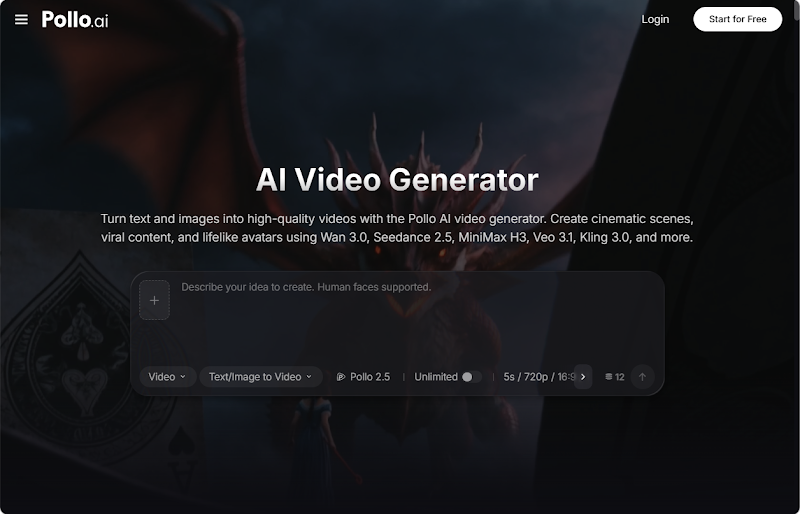
Feed the photos, the short clips and those written notes in together. Working inside Pollo AI’s AI Video Generator, a mixed batch of images and text can be turned into a finished short with matching pacing and sound, and because the same tool handles the whole series, a Dales walk from March and a coastal trip in August still look like they came from the same blog. Keeping visual consistency across a back catalogue is what separates a recognisable channel from a scattering of one-off posts.
Export Once, Post Everywhere
Produce a single master version and then generate the variants from it rather than starting again for each platform. Leave a little headroom at the top and bottom of the frame so vertical crops don’t chop off the caption or the top of somebody’s head — a small habit that saves reshooting text overlays later.
Where Corporate Video Platforms Sit by Comparison
It’s worth knowing what the other end of the market looks like, because tourism boards and larger attractions are using something quite different.
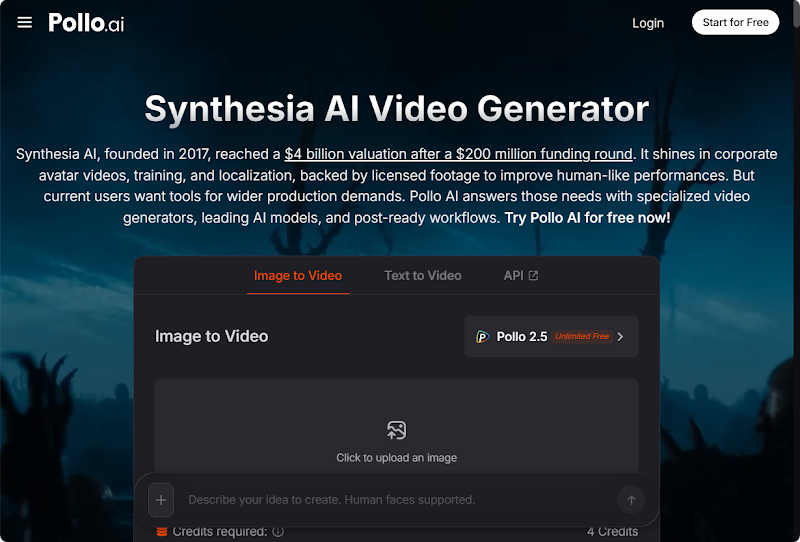

Synthesia is the recognised name in that space, built for organisations rather than individual creators. It offers a roster of over a hundred and sixty digital presenters delivering content in more than a hundred and forty languages with natural gesture and expression, and its assistant can take an existing document or web page and convert it into a scripted, scened video with supporting shots generated automatically. Licensed media and centralised branding controls keep every output visually consistent across an entire organisation.
For a visitor centre producing safety briefings in eight languages, that’s precisely the right kit. For a family blog documenting a wet Saturday in Hebden Bridge, it’s an entirely different tool solving an entirely different problem.
Choosing What Fits a Family Travel Blog
The honest selection question isn’t which platform is most capable. It’s which one you’ll still be using in six months.
Independent travel creators should weight three things: how much raw material a tool needs before it produces something usable, how many formats it covers without a second subscription, and whether the output looks like your trip or like a template. Enterprise systems like Synthesia score well on governance and languages, neither of which is a constraint for a personal blog.
For most Yorkshire creators, the realistic gain from AI video tools for travel bloggers isn’t a better video. It’s a published video — the trips that would otherwise have stayed in the camera roll actually making it out.
The Practical Upshot
Video hasn’t replaced travel writing, and the blogs doing well locally are still the ones with genuine knowledge behind them. What’s changed is that knowledge now needs a thirty-second front door.
Closing the gap between a good day out and a published clip from three weeks to twenty minutes doesn’t make anyone a filmmaker. It just means the walk you did last Sunday gets shared while people are still planning theirs.